How to Evaluate an Internal AI Assistant After Confidently Wrong Answers
How to assess Seahorse Cloud retrieval tuning, conversation exports, and agent access, including logging and empty-list pitfalls.
Key Takeaway
- Verify the knowledge and log path: Seahorse Cloud pairs a managed Retrieval-Augmented Generation (RAG) document pipeline with agent conversation exports that include system messages when Include System Messages is ON, and calls using a deleted API key immediately receive a 401 authentication failure.
- Separate index build from query tuning: Provided the required endpoints are configured, you can adjust search-time controls like Search Mode and Top K without recreating Seahorse Storage, whereas the embedding endpoint, dimension, M, and EF Construction are fixed at creation.
- Configure agent access explicitly: Turning off Require Authentication exposes the agent without login, and an empty allowed-user list opens access to all authenticated tenant users rather than blocking everyone.
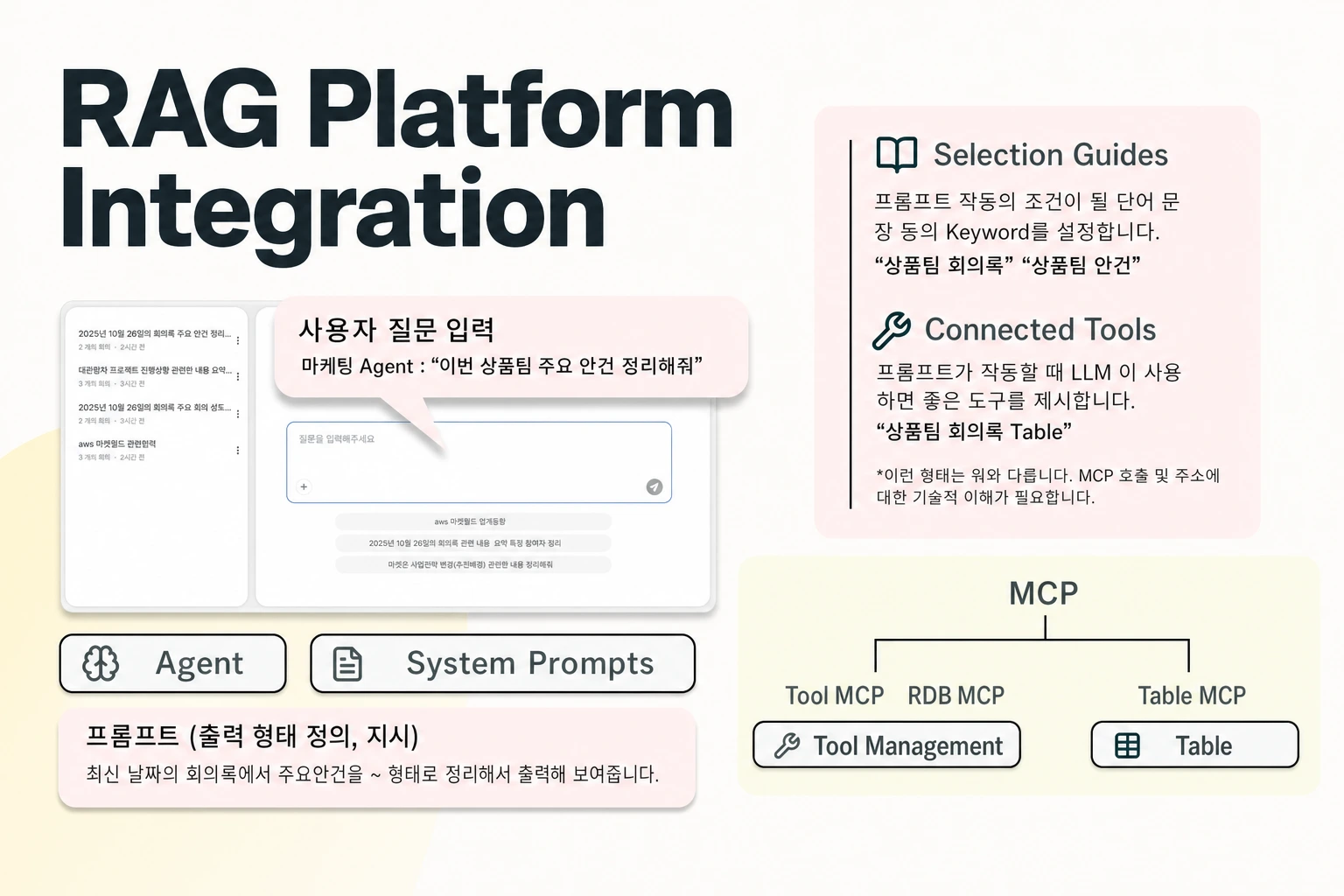
When an internal assistant delivers confidently wrong answers, adoption collapses across the team. Selecting a replacement requires looking past surface chat fluency to verify how the platform ingests company documents, whether administrators can inspect the prompts and tool calls behind a bad response, and how agent access boundaries behave in practice. In Seahorse Cloud, the Storage pipeline handles document parsing, chunking, and embedding, Agent Ops covers AI agent creation, deployment, and management, and Model Context Protocol (MCP) handles tool integration for agents.
Inspecting the Enterprise RAG Knowledge Path
Tracing why an assistant answered incorrectly starts with examining how raw company files become searchable context and what retrieval settings you can adjust when relevant passages fail to surface. If your document parsing, chunking, and vector indexing live in disconnected scripts, diagnosing whether an error came from a broken table layout or a narrow retrieval cutoff requires cross-system debugging.
Seahorse Cloud is a full-stack managed RAG platform that covers object storage management, a vector database, an autonomous parser, and a managed agent system. Its managed agent system is built on a vector database and RAG, and it supports MCP-standard tool calls. When you upload files, the platform chunks and embeds them to load into a dedicated Table. The document pipeline includes autonomous Vision Language Model (VLM), Optical Character Recognition (OCR), and Large Language Model (LLM) parsing, along with semantic chunking, automatic vectorization, and automatic synchronization to the vector database. Integrating semantic chunking with document parsing, embedding, and vector synchronization inside the ingestion workflow reduces the number of separate components you have to wire together, though the native semantic chunking label itself does not specify how headings, tables, or section boundaries are preserved. Replay the questions that previously produced wrong answers against current source documents. Check separately whether retrieval found the correct evidence and whether the answer matches it, including cases where the assistant should say it does not have enough information.
Once your documents are indexed, fixing bad answers often comes down to tuning how the retriever ranks and filters chunks. When you create Seahorse Storage, the embedding endpoint, dimension, M, and EF Construction parameters are fixed. By contrast, search-time controls such as Search Mode, Top K, EF Search, and RRF K can be adjusted without creating a new Storage instance, provided the required endpoints are configured. This distinction matters during incident recovery: if an assistant misses a key policy clause because Top K was set too low, you can test retrieval adjustments immediately, whereas changing the underlying embedding dimension requires provisioning a new storage resource.
Auditing Failed Agent Conversations Afterward
When a team member reports a wrong answer, an administrator needs to see more than the final text shown in the chat window. Without visibility into the system instructions and the arguments passed to connected tools, you cannot tell whether the model misread the retrieved text, called the wrong tool, or followed an outdated prompt.
Along with providing an inference endpoint API and usage tracking for its vector database and RAG-based agentic AI system, the platform lets administrators export an agent's conversation history to a file with the Export Conversations button on the agent detail page (see Agent settings). To make that export useful for root-cause analysis, check the Include System Messages toggle, which is ON by default and controls whether system messages such as prompts and tool-call logs are included in the file. When Include System Messages is ON, the export captures both the System Prompt and the tool-call arguments. Keep in mind that if an administrator turns this toggle OFF before running an export, those prompt and tool-call records will be absent from the downloaded file, and a conversation export file serves as a manual record rather than a complete runtime trace.
During an investigation, you can narrow the export scope and secure the output file using three additional toggles that are OFF by default. Turning ON the Date Range toggle lets you select start and end dates to filter the period around a reported incident. Turning ON the Message Count Filter toggle lets you filter by a minimum number of messages per session so you can exclude brief, abandoned sessions. Because exported logs may contain internal queries and system prompts, turning ON the Enable Encryption toggle encrypts the export file and requires a password or key. Currently, the conversation export feature is designed for manual backups, while tracking regular exports for audit and analysis is planned through Events auditing.
Configuring Agent Access and Document Permissions
Restoring trust in an internal assistant also means ensuring that only authorized employees can query the agent and understanding where agent-level login rules end and document-level permissions begin. A common operational mistake during a pilot rollout is assuming that restricting or opening an agent in the console automatically mirrors the access control lists of your underlying file repository.
In the console, the Users tab under Agent create configures agent access control, determining both whether authentication is required and which users are permitted. When updating an agent in Agent update, turning off Require Authentication allows anyone to access the agent without logging in, which the documentation warns against for agents that handle sensitive data.
If Require Authentication is enabled, you must pay close attention to how the allowed-user list behaves. Leaving the selected-user list empty makes the agent available to all authenticated tenant users. Because an empty list defaults to all authenticated users, removing the last selected user from the list does not block all access to the agent. When you do remove a specific user from a populated list, that removal immediately disconnects the user's ongoing session. For programmatic access, calls made with a deleted Seahorse Cloud API key immediately receive an authentication failure (401).
These controls govern who can talk to the agent or call its endpoint, not which documents inside a connected store a specific person is allowed to read. Deleting an API key only revokes that credential and does not configure per-document authorization for other users or keys. Furthermore, the official documentation does not describe whether source-document permission changes carry over through automatic vector database synchronization. If different departments require strict boundaries over which indexed files can be retrieved, you should design your storage tables and agent assignments around those boundaries rather than assuming source repository permissions carry over on their own.
FAQS
FAQ
What should we look for in a replacement assistant after confidently wrong answers stall adoption?
Prioritize a platform that lets you export conversation history to a file rather than treating the chat interface as a black box. Specifically, check whether you can tune retrieval parameters like Search Mode and Top K without rebuilding your vector storage when the required endpoints are configured, and verify that you can export failed conversations with the System Prompt and tool-call arguments included when Include System Messages is ON to diagnose why an error occurred.
If we remove every user from an agent's allowed list to pause a rollout, is the agent locked down?
No, when Require Authentication is turned on, an empty selected-user list allows all authenticated tenant users to access the agent rather than blocking everyone.
Does syncing new files to the vector database automatically apply our source folder permissions to the agent?
The official documentation does not describe permission propagation through automatic vector database synchronization, so test how source-folder access changes are reflected before relying on it. Access settings on the Users tab and API key revocations only control who can authenticate to the agent itself.
Try it now
See how these criteria hold up on the real thing.