Enterprise RAG platform integration: what to test first
Test Seahorse Cloud MCP connectivity and API-key revocation first, then managed-agent access and document-to-vector processing to surface blockers early.
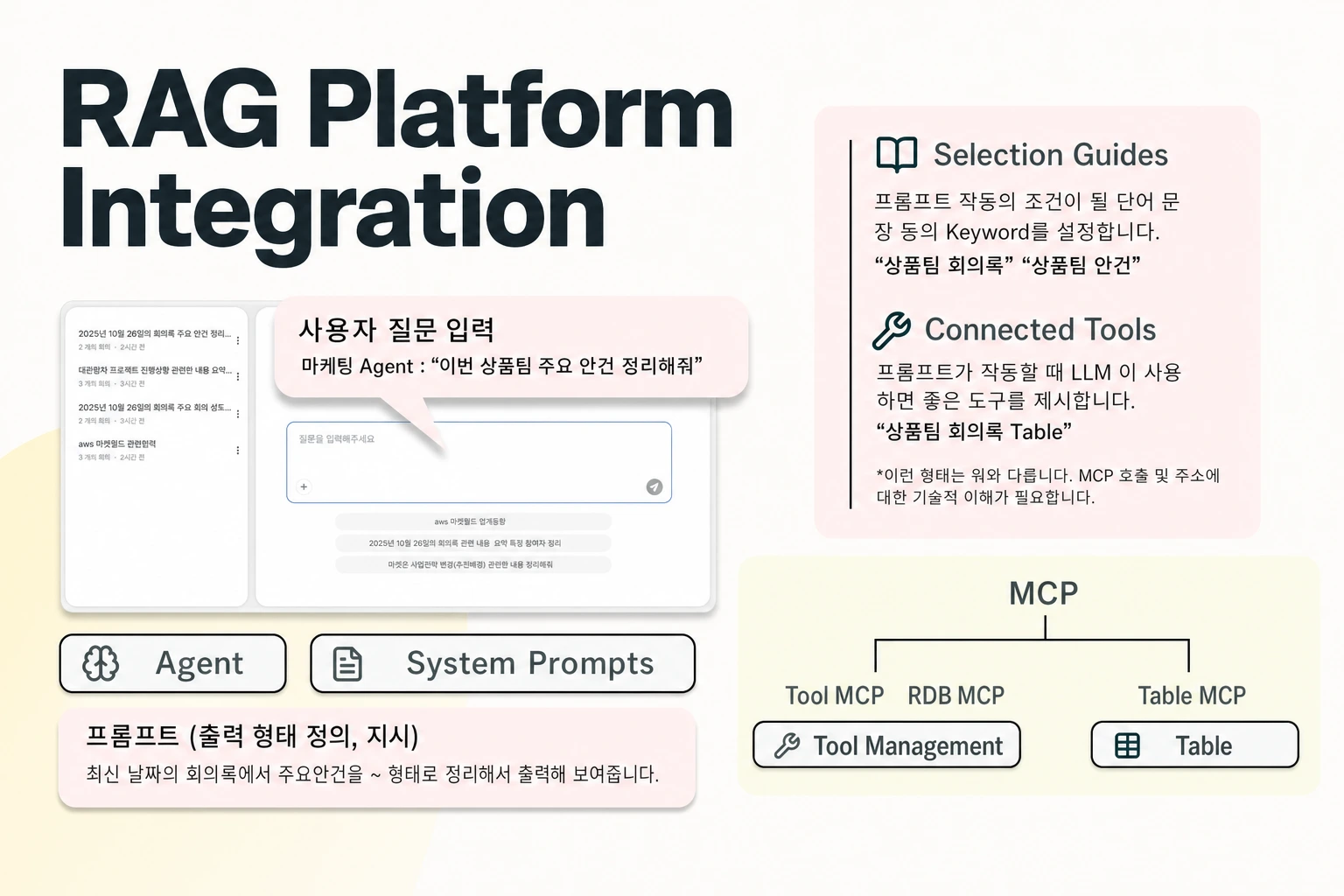
Key Takeaway
- Verify the internal data and tool route first: Test Model Context Protocol (MCP) connectivity and API credential revocation before building full pilot workflows.
- Exercise the managed-agent lifecycle next: Validate tool calls, inference endpoint APIs, cross-session context memory, and user access rules once the core connection works.
- Inspect the document-to-vector pipeline last: Confirm how the platform parses unstructured files, synchronizes vectors, and separates fixed storage settings from adjustable search controls.
Discovering in week three of a proof of concept that a platform cannot connect to your internal systems wastes engineering time and stalls evaluation. Before your team invests in prompt tuning or broad workflow design, your proof of concept should isolate the exact data and tool routes your architecture requires. In Seahorse Cloud, MCP provides the data and tool integration that supports both Retrieval-Augmented Generation Operations (RAGOps) and Agent Operations (AgentOps). Structuring your evaluation as an ordered checklist—starting with integration and authentication, moving to managed-agent operations, and finishing with the document-to-vector data path—lets you surface architectural blockers on day one.
Test the MCP data and tool path first
When you evaluate an enterprise RAG platform, your first go/no-go gate is whether the platform can reach your internal data sources and external tools under your security rules. Rather than ingesting gigabytes of test documents upfront, run a focused connectivity and credential test against the integration layer.
In Seahorse Cloud, MCP serves as the integration layer connecting data and tools to support RAGOps and AgentOps. Introduced as part of Seahorse Cloud 2.0 in September 2025, AgentOps is built for designing and operating custom AI agents that combine large language models (LLMs), a vector database, and MCP tool integration. This architecture lets developers, platform teams, and AI teams build, deploy, and monitor MCP-standard AI agents directly on the platform's knowledge.
Use this initial checklist to validate integration feasibility and credential behavior:
- Verify that your required data sources and external tools connect through the platform's MCP integration layer to support your planned RAGOps and AgentOps workflows.
- Test component modularity by combining and replacing different LLMs, tools, and data sources within the MCP-based agent configuration to confirm you are not locked into a single static wiring.
- Execute a call using a deleted Seahorse Cloud API key to confirm that it immediately receives an authentication failure (401).
- Account for the exact scope of API key revocation in your security review: deleting a Seahorse Cloud API key revokes that specific credential, but it does not establish per-document authorization for other users or keys.
Exercise managed-agent operations and access
Once your internal systems and tools communicate reliably over MCP, the second phase of your pilot should test how agents are assembled, accessed, and operated day to day. You need to know how components fit together in the console, how state persists across interactions, and how authentication settings behave when user lists change.
When you use the Seahorse Cloud SaaS service, you access the environment through the control console. Within the platform, AgentOps covers the full lifecycle of AI-agent creation, deployment, management, and monitoring. It also supports connecting tools and system prompts while controlling user access. Specifically, you can combine an LLM, a Table, a Tool, a System Prompt, and user access control in one place within a single Seahorse Cloud agent.
Run through these checks to evaluate managed-agent execution and access governance:
- Create and deploy a test agent through AgentOps, binding a specific LLM, Table, Tool, and System Prompt together in one configuration.
- Execute MCP-standard tool calls against your connected systems by running Seahorse Cloud managed agents on the platform's vector database and RAG, and verify that you can invoke the agent through its inference endpoint API.
- Check the usage tracking and monitoring supported by Seahorse Cloud managed agents and AgentOps.
- Test multi-turn and multi-session workflows using Seahorse Agent, which operates as an MCP-standard cross-platform agent featuring both context memory and cross-session context memory alongside tool integration.
- Turn on Require Authentication for your agent users and test how the user list behaves when empty. In Seahorse Cloud, when Require Authentication is turned on for agent users, an empty selected-user list permits all authenticated tenant users, and removing the final selected user does not result in deny-all.
Validate the document-to-vector RAG pipeline
After confirming that your external tool paths and agent access rules meet your requirements, turn your test plan to the internal data pipeline. Here, your goal is to verify how raw, unstructured enterprise files become searchable vectors, which database parameters get locked at creation time, and how the underlying storage and vector database operate.
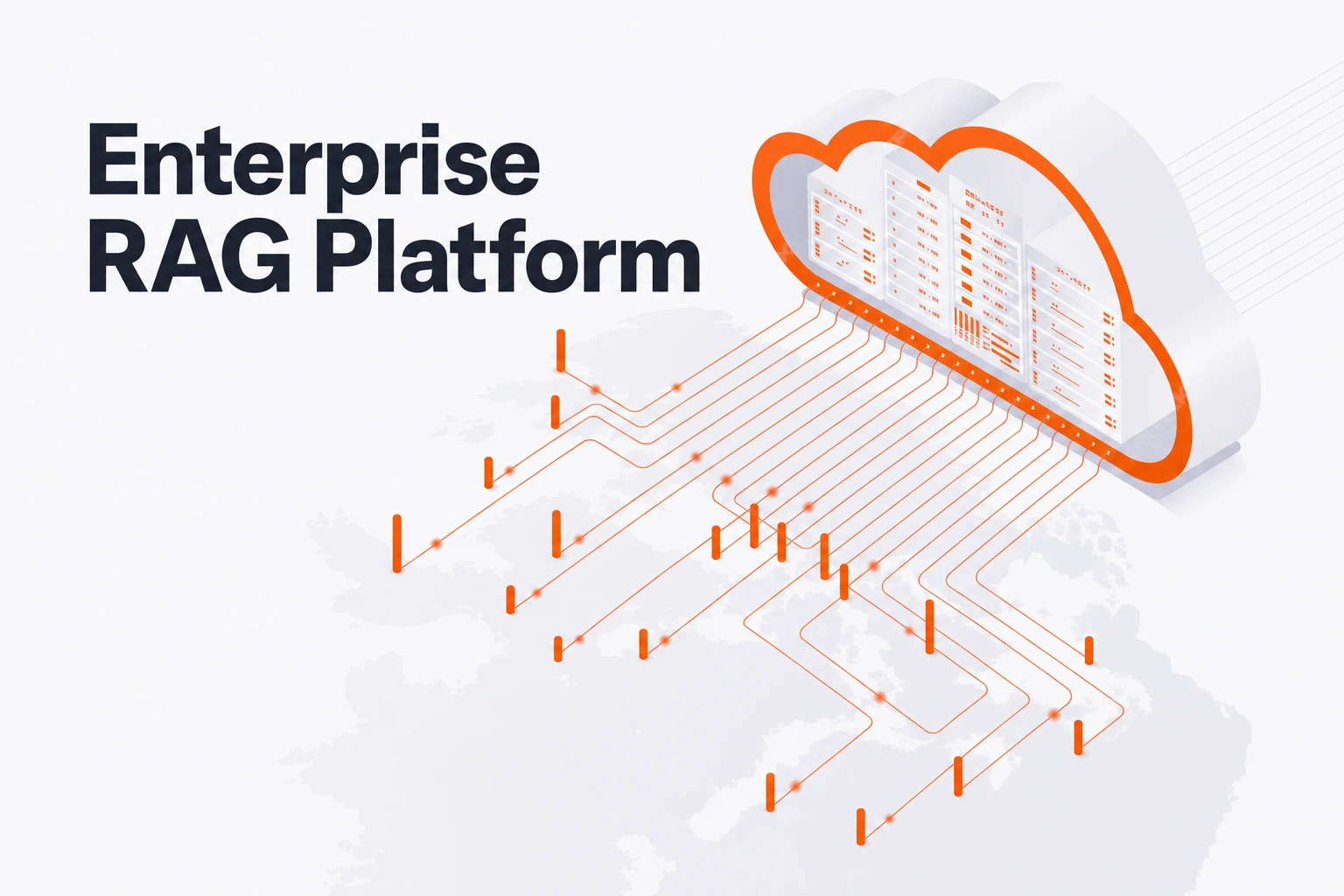
In Seahorse Cloud, RAGOps encompasses RAG pipeline composition, integrated operation, and monitoring. The platform converts unstructured documents into AI-ready knowledge through autonomous parsing, semantic chunking, and a vector database. Its AI-based storage is built on S3-compatible object storage and pairs an autonomous, agentic document parser—which uses a vision-language model (VLM), optical character recognition (OCR), and an LLM parser—with semantic chunking, automatic vectorization, and automatic vector database synchronization.
Use this checklist to test document ingestion, retrieval tuning, and vector database operations:
- Upload representative unstructured documents to the S3-compatible object storage and inspect how the VLM, OCR, and LLM parser extracts content and applies semantic chunking.
- Confirm that parsed chunks undergo automatic vectorization and automatic vector database synchronization.
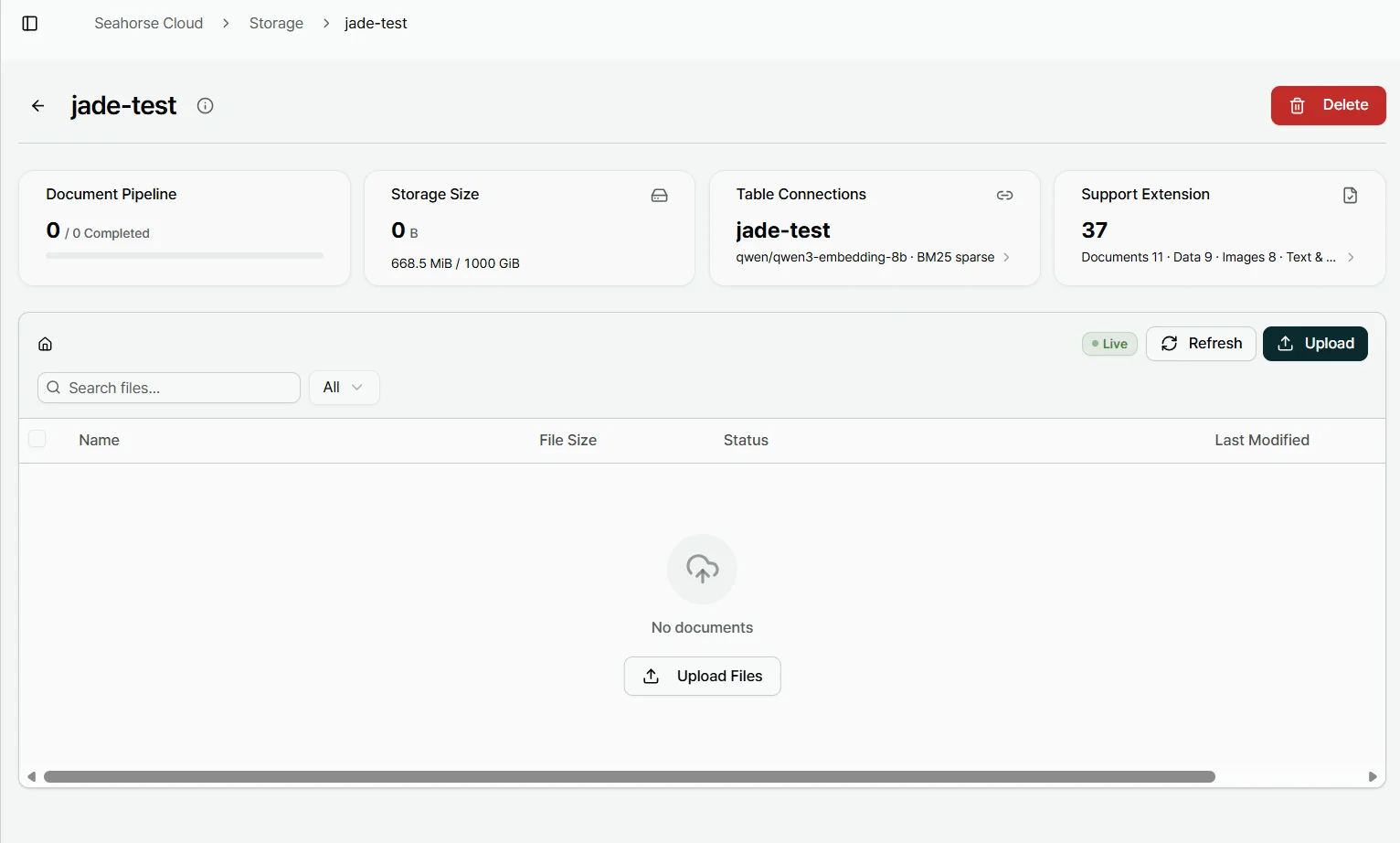
- Provision a Seahorse Storage instance and note which parameters are fixed upon creation: creating a Seahorse Storage locks the embedding endpoints, dimension, M, and EF Construction values.
- Tune retrieval behavior without rebuilding your storage: as long as the required endpoints are configured, you can adjust search-time controls—specifically Search Mode, Top K, EF Search, and RRF K—without creating another Storage instance.
- Evaluate the vector store layer using Seahorse Database, a container-based managed vector database that includes a built-in control plane, multi-tenant isolation, table and schema management, real-time monitoring, and API-key authentication, while supporting NVMe optimization and VDPU acceleration.
FAQS
FAQ
How is the platform delivered and where can it be hosted?
Seahorse Cloud is available as an on-premises installation or as a SaaS subscription, and its Kubernetes-native architecture deploys with standard resources. Because the commercial delivery model and the hosting location are separate dimensions, a SaaS subscription can also be deployed on premises.
Does a single platform cover object storage, parsing, the vector database, and managed agents together?
Yes, Seahorse Cloud Platform is a full-stack managed platform for RAG systems that brings together object storage management, a high-quality autonomous parser, a vector database, and a managed agent system in one environment.
지금 체험
See how these criteria hold up on the real thing.