Supported File Formats for RAG Document Ingestion
Seahorse Cloud Storage supports 37 file extensions and automatically chunks and embeds uploads, with a 100 MiB per-file limit.
Key Takeaway
- Verify extension coverage directly against the supported categories in Seahorse Cloud Storage before designing custom ingestion scripts.
- Use built-in ingestion capabilities by relying on autonomous document parsing, semantic chunking, and automatic vector-database synchronization.
- Check file size and tenant quotas prior to bulk ingestion so individual uploads or large batches do not get rejected or skipped.
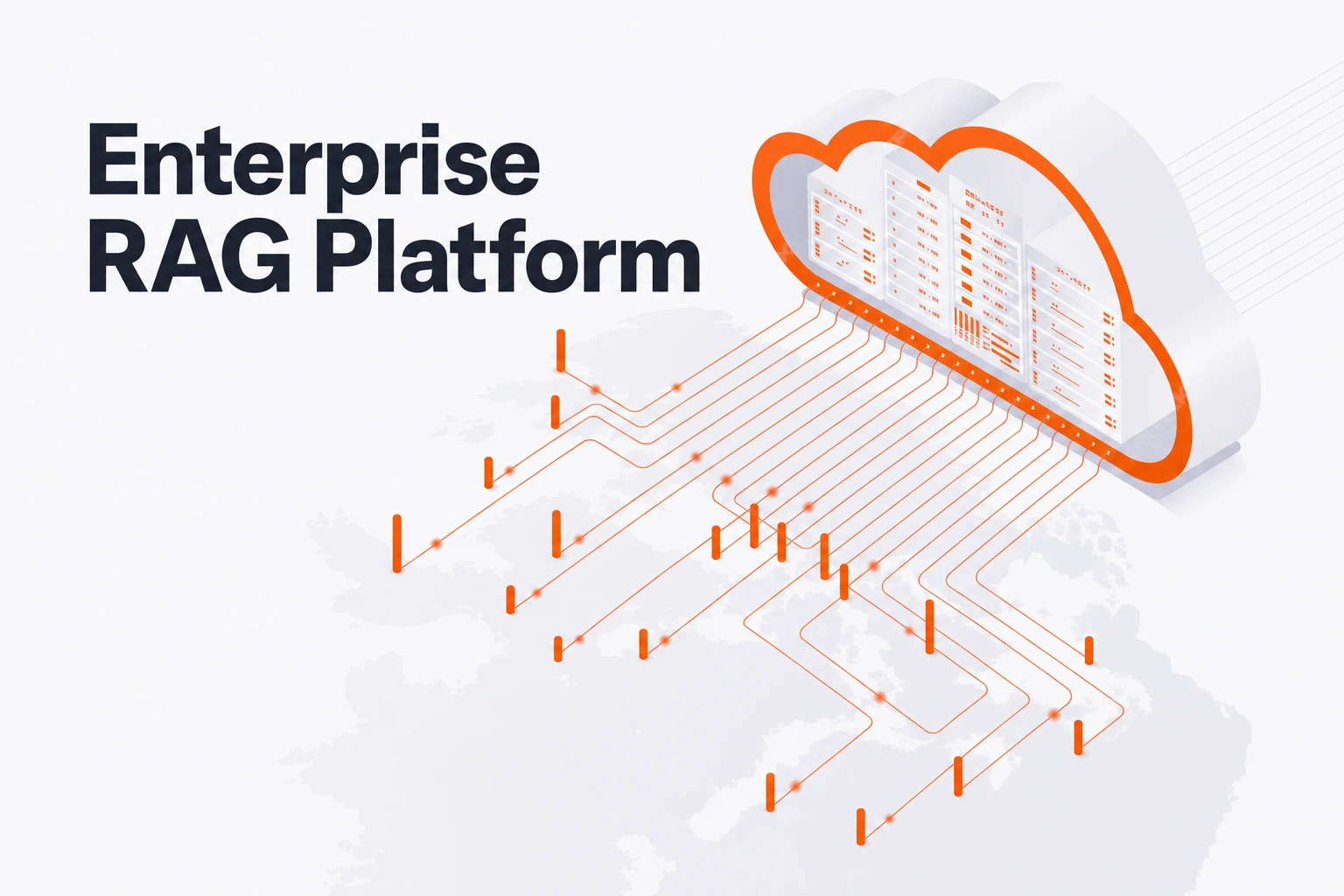
When building a retrieval-augmented generation (RAG) corpus from internal repositories, teams often stall when every newly discovered file type demands another custom extraction script. Before writing separate parser pipelines for office documents, structured spreadsheets, scanned images, and markup files, you can evaluate how Seahorse Cloud handles unstructured data ingestion natively. As an S3-compatible object storage component within the full-stack managed platform, Seahorse AI-based Storage supports 37 file extensions enabled for processing and connects raw file uploads directly to vector search.
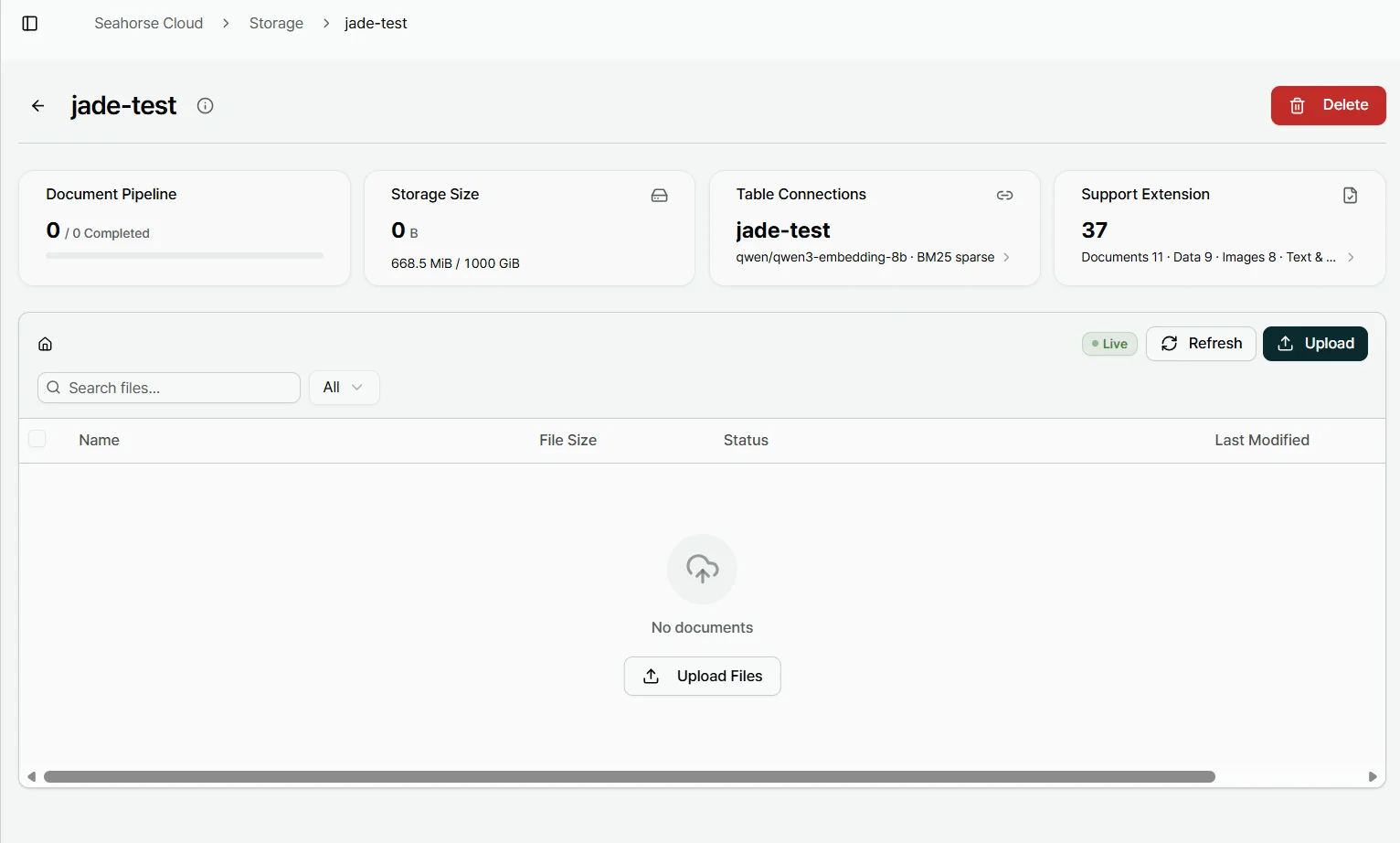
37 Supported Document Formats
In the Support Extension popup, you can view all 37 file formats enabled for processing in the Storage. The Support Extension summary groups the displayed summary example into four specific categories.
| Category | Supported Count | File Extensions |
|---|---|---|
| Documents | 11 | .doc, .docx, .hwp, .hwpx, .odg, .odp, .odt, .pdf, .ppt, .pptx, .rtf |
| Data | 9 | .csv, .json, .ods, .toml, .tsv, .xls, .xlsx, .yaml, .yml |
| Images | 8 | .bmp, .gif, .jpeg, .jpg, .png, .tif, .tiff, .webp |
| Text & Markup | 9 | .epub, .htm, .html, .markdown, .md, .text, .txt, .xhtml, .xml |
Automated Ingestion to Vector Pipeline
Within the Seahorse Cloud Overview architecture, RAGOps governs RAG pipeline configuration, integrated operations, and monitoring.
The AI-based Storage component uses an agentic document parser powered by a vision-language model (VLM), optical character recognition (OCR), and a large language model (LLM) to execute autonomous document parsing, semantic chunking, automatic vectorization, and automatic vector-database synchronization.
Once you transfer a supported file into Storage, the ingestion sequence proceeds through a defined path: file upload leads to automatic chunking, which moves to vector embedding, and finishes with automatic Table creation. As Storage automatically chunks and embeds the file, its status transitions to Completed once processing finishes. For instance, when you upload PDF, DOCX, and HWP files to Storage, they are automatically embedded and become ready for natural-language querying in Agent Chat.
How you configure the Storage resource initially determines how those vectors are indexed and searched later. When creating a Seahorse Storage instance, the embedding endpoint, dimension, M, and EF Construction parameters are fixed. However, as long as the required endpoints are configured, you can still tune retrieval-time controls—such as Search Mode, Top K, EF Search, and RRF K—without creating a separate Storage instance.
Pre-Upload Size and Policy Checks
Even when your corpus consists primarily of standard documents and spreadsheets, operational limits and administrator rules determine whether an individual file will actually enter the vector table. Before running a batch upload, verify these four constraints against your source directory:
- Confirm that each individual file does not exceed the maximum upload size of 100 MiB per file allowed by Seahorse Cloud Storage.
- Verify that the total volume of your incoming batch will not push your workspace past its tenant-specific Storage Size limit (for example, 1000 GiB), as any upload that exceeds the tenant's Storage Size limit is rejected.
- Audit your directory for unsupported file types, because extensions outside the configured supported list may either be rejected at upload or skipped during Storage embedding.
- Check with your platform administrator regarding active format restrictions, since an administrator manages the global extension policy in Storage Settings.
FAQS
FAQ
How can we handle incoming customer and supplier documents when their formats and layouts vary?
Seahorse Cloud Platform is a full-stack managed platform for RAG systems that encompasses object storage management, a vector database, a high-quality autonomous parser, and a managed agent system. Its S3-compatible AI-based Storage includes a VLM, OCR, and LLM agentic document parser along with semantic chunking, automatic vectorization, and automatic vector-database synchronization.
Can we add new document formats to our search corpus without writing new pipeline code?
In the Support Extension popup, 37 file formats are listed as enabled for processing in the Storage. In Seahorse Cloud Storage, the upload flow moves from file upload to automatic chunking, vector embedding, and automatic Table creation, while an administrator manages the global extension policy in Storage Settings.
How can we index decades of legacy technical documentation stored in mixed formats while keeping data on-premises?
You can upload legacy archives containing mixed formats—such as .doc, .ppt, .xls, .hwp, .rtf, or .tif files—into Storage for automatic chunking and embedding, provided each file is within the 100 MiB maximum upload size. Furthermore, because Seahorse Cloud features a Kubernetes-native architecture offered as either an on-premises installation or a SaaS subscription—and because commercial delivery model and hosting location are independent dimensions allowing SaaS to be deployed in on-premises environments—you can run this workflow inside your own infrastructure.
Skip custom parser code
Upload your files to chunk, embed, and sync them to vector tables.