Enterprise Retrieval Platforms in 2026: Managed RAG vs. Rebuilding the Stack
Compare a full-stack managed RAG platform with rebuilding storage, parsing, embedding and agent layers for each project, and see which Seahorse Cloud settings stay fixed.
Key Takeaway
- Adopt a full-stack platform: Seahorse Cloud combines object storage, an autonomous parser, a vector database, and AgentOps from Seahorse Cloud 2.0 (2025-09) in one RAG platform.
- Automate ingestion to index: Native semantic chunking runs inside the ingestion workflow alongside parsing, embedding, and automatic vector database synchronization.
- Choose a delivery model: Teams can adopt a SaaS subscription or an on-premises installation on a Kubernetes-native architecture.
Building a retrieval system for one internal application often looks manageable when you wire up an object bucket, a parsing script, an embedding pipeline, and a vector store, before adding a second or third internal project that needs the same foundation. Evaluating an enterprise retrieval infrastructure platform starts with deciding which pipeline layers belong in a shared managed foundation and which parameters each project still needs to tune on its own. Seahorse Cloud addresses this repeated assembly work as an AI Storage & Agent Ops Platform for Enterprise RAG.
Unified Managed RAG Scope
Consolidating storage management, document parsing, vector indexing, and agent operations into a single platform works by reducing the separate components a team must connect.
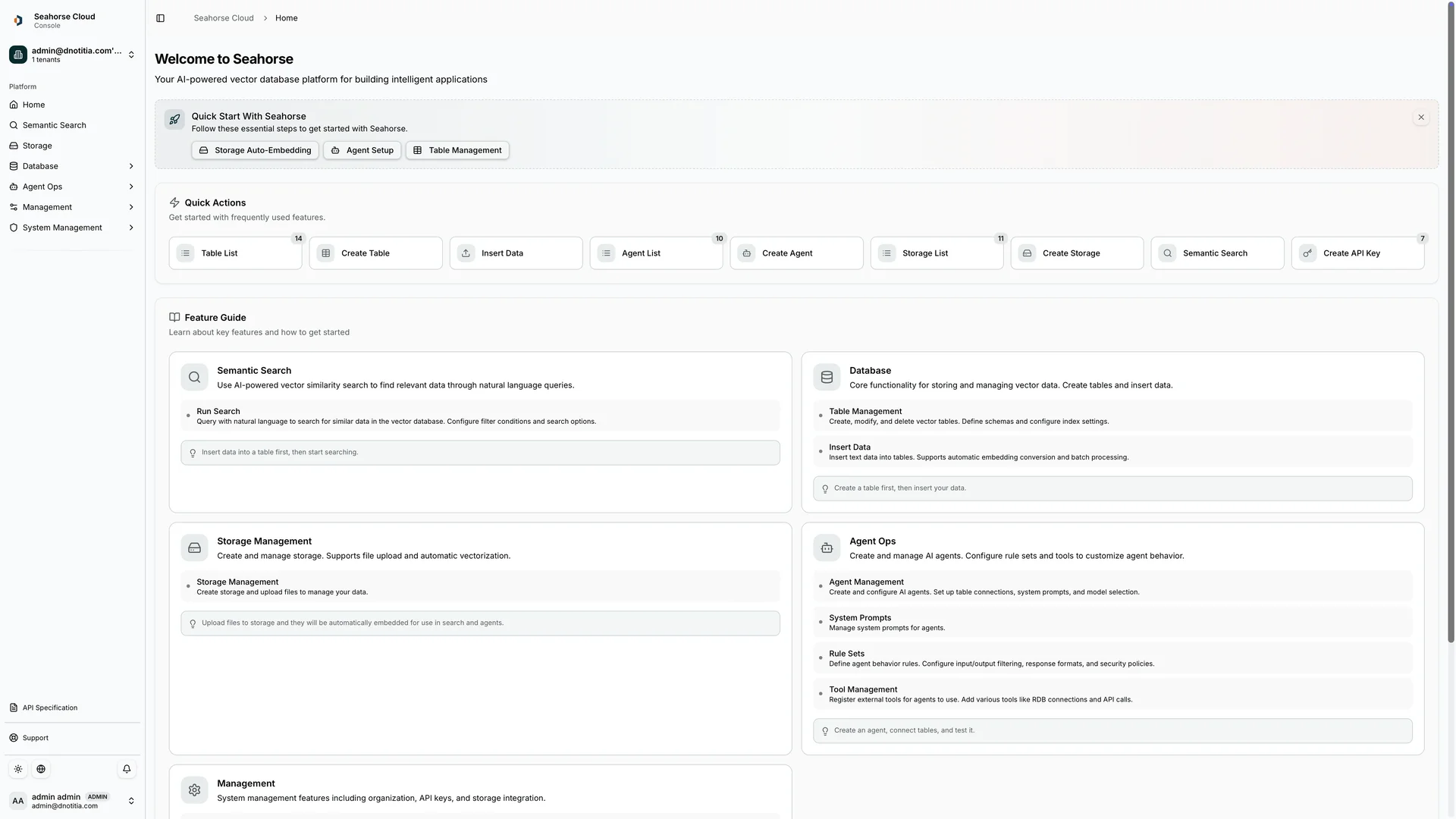
Seahorse Cloud Platform operates as a full-stack managed platform for RAG systems that brings together object storage management, a high-quality autonomous parser, a vector database, and a managed agent system. Rather than treating retrieval pipelines, agent execution, and external tool connections as interchangeable features, the platform separates them into distinct operational areas. The Storage pipeline handles parsing, chunking, embedding, and Table sync. Alongside it, Agent Ops covers creating, deploying, and managing AI agents, while Model Context Protocol (MCP) handles data and tool integration.
This separation matters when multiple internal projects share the same infrastructure. One project might only need a synchronized document store and retrieval pipeline, while another needs an agent with MCP tool integration that retains cross-session context memory. Keeping storage, vector search, Agent Ops, and MCP tool integration under one platform lets teams share the base infrastructure while reducing the separate components a team must connect.
Ingestion and Vector Database
Before choosing between a self-assembled ingestion pipeline and an integrated platform, teams should check which steps happen automatically upon file upload and which index settings remain locked once a storage bucket is provisioned. In Seahorse Cloud, native semantic chunking is built into the document ingestion workflow to reduce the separate components a team has to connect, though "native" describes where the capability runs rather than specifying how headings, tables, or section boundaries are preserved.
| Component or Workflow Stage | Included Capabilities and System Behavior | Fixed Parameters and Operational Boundaries |
|---|---|---|
| AI-Based Storage and Ingestion | S3-compatible object storage, VLM, OCR and LLM agentic document parser, semantic chunking, automatic vectorization, and automatic vector database synchronization | Native semantic chunking runs inside the ingestion workflow alongside parsing, embedding, and vector sync; the official documentation does not describe whether source-document permission changes carry over through vector synchronization |
| Storage-to-Table Provisioning | Creating a Storage creates a dedicated Table and index, then chunks, embeds, and loads uploaded files into that Table | Storage creation fixes embedding endpoints, dimension, M, and EF Construction |
| Search-Time Controls | Search Mode, Top K, EF Search, and RRF K can be adjusted without creating another Storage | Adjusting search-time controls requires the necessary endpoints to be configured |
| Seahorse Database | Container-based managed vector database with built-in control plane, multi-tenant isolation, table and schema management, real-time monitoring, API-key authentication, NVMe optimization, and VDPU acceleration | Operates as the managed vector database layer within the platform |
Understanding the boundary between fixed storage settings and adjustable search-time controls saves teams from unnecessary re-indexing. If an internal team wants to test different search-time controls, they can adjust Search Mode, Top K, EF Search, or RRF K without creating another Storage as long as the required endpoints are configured. If a project requires a different embedding endpoint, dimension, M, or EF Construction, the team will need to provision a new Storage.
Shared RAG and AgentOps
Once documents are parsed and indexed, internal teams still have to expose that knowledge to end users, manage access credentials, and troubleshoot external tool integrations.
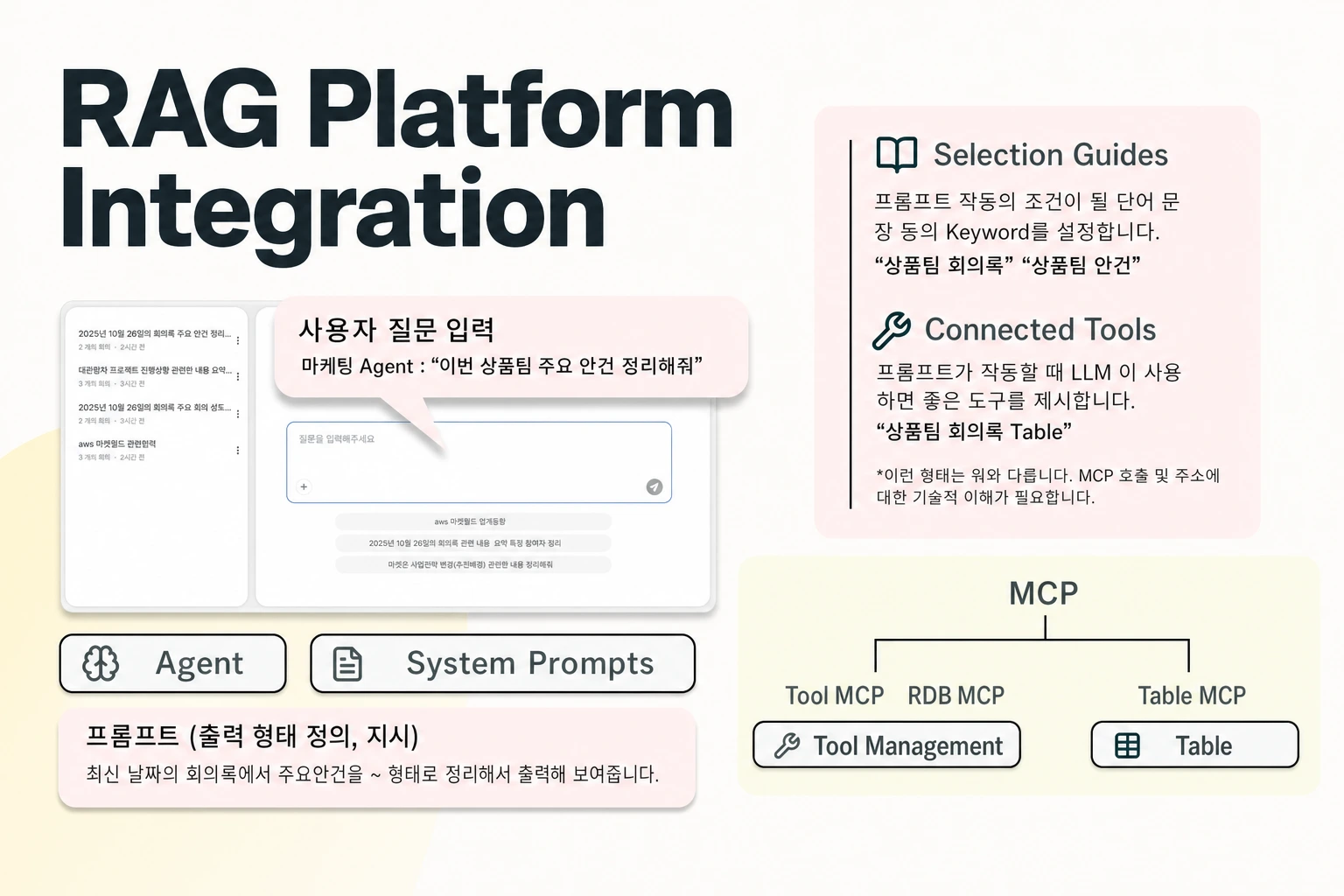
For teams building interactive applications on top of the Storage pipeline, AgentOps—introduced as part of Seahorse Cloud 2.0 in September 2025—provides the environment for designing and operating custom AI agents using LLMs, a vector database, and MCP tool integration. Managed agents run on top of the vector database and RAG layer, supporting MCP-standard tool calls, inference endpoint APIs, and usage tracking, while Seahorse Agent maintains cross-session context memory.
Day-to-day operations across multiple internal projects also depend on predictable tool debugging and access rules. After developers register an external tool through Custom create, clicking the Test button on its tool-detail page performs an MCP handshake and calls list_tools to populate the supported methods. If a tool call fails during testing or operation, engineers can inspect the Recent Calls log on the tool-detail page for each call's status, duration, and error message rather than guessing where the integration broke.
Access control behavior is equally specific and should be checked before opening an internal service to tenant users:
- When Require Authentication is turned on, leaving the selected-user list empty permits all authenticated tenant users; removing the final selected user from the list does not trigger a deny-all state.
- Deleting a Seahorse Cloud API key causes calls using that deleted key to immediately receive an authentication failure (401).
- Revoking an API key cancels that credential, but it does not establish per-document authorization for other users or keys.
Checking how authentication lists and API key revocation work clarifies how access is enforced when migrating from custom middleware.
SaaS and On-Premises Delivery
Infrastructure teams evaluating a shared retrieval platform often run into a false choice between a cloud-hosted subscription and self-managed software installed in a private data center. In practice, Seahorse Cloud lists both a SaaS subscription and an on-premises installation, and its Enterprise plan also lists private cloud deployment.
Seahorse Cloud is built on a Kubernetes-native architecture designed for deployment with standard resources, and organizations can adopt it either as a SaaS subscription or as an on-premises installation. When using the Seahorse Cloud SaaS service, teams operate their resources through the control console.
When comparing the cloud environment against an on-premises installation, teams should also check feature availability in Agent create for response governance. Agent Rules for setting response constraints and prohibited words are available only on premises. In the Cloud environment, the Agent Rules UI is disabled, and System Prompt is the suggested alternative for guiding agent responses. If an internal compliance policy requires enforcing prohibited words through the dedicated Agent Rules interface rather than through system prompts, the team should factor an on-premises deployment into its architecture plan.
FAQS
FAQ
What kind of platform stops teams from rebuilding the same retrieval stack across multiple internal projects?
A full-stack managed RAG platform like Seahorse Cloud functions by reducing the separate components a team must connect, integrating S3-compatible object storage, autonomous document parsing with a VLM, OCR and LLM parser, semantic chunking, automatic vector database synchronization, a managed vector database, and managed agents in one system. When teams create a Storage, Seahorse Cloud creates a dedicated Table and index, then chunks and embeds uploaded files and loads them into that Table, which managed agents created in Agent Ops can then use.
Which retrieval settings can we change without re-creating our storage and vector index?
Search-time controls can be adjusted without creating another Storage when the required endpoints are configured, whereas index-creation parameters are fixed at Storage creation. Embedding endpoints, dimension, M, and EF Construction are fixed when the Storage is created.
Does deleting an API key or syncing files automatically enforce document-level permissions?
Deleting an API key revokes that credential; it does not define document access for other users or keys. For automatic vector synchronization, confirm how source-document permission changes are reflected in the selected deployment.
Try it now
See how these criteria hold up on the real thing.