How to Choose a Retrieval Store for a Small Operational Stack
If PostgreSQL and an ingestion pipeline already fit, reuse them; if retrieval needs a separate database or the pipeline is missing, choose the least additional operational surface that meets your needs.
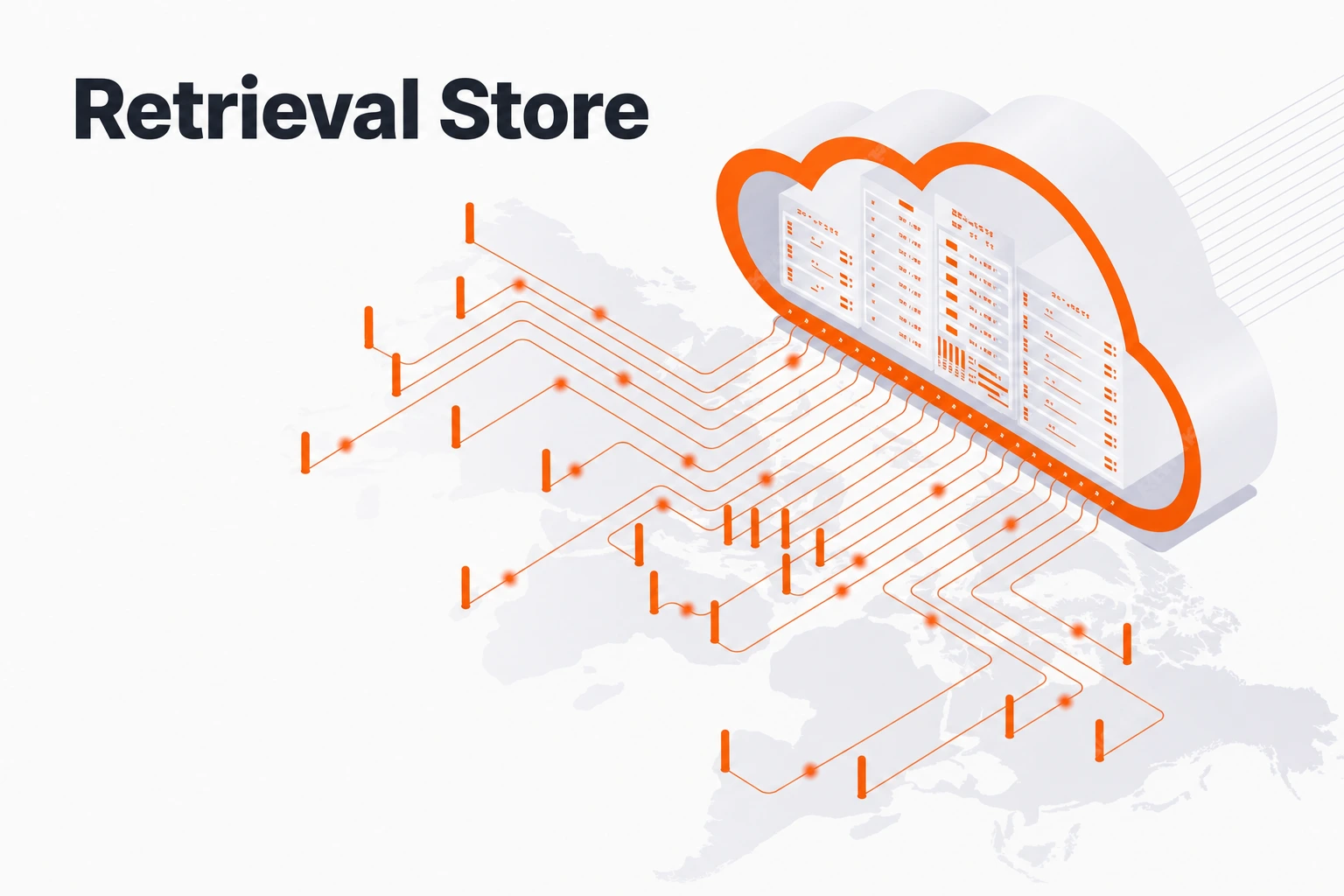
If PostgreSQL and an ingestion pipeline already fit your needs, extend that stack with a vector extension. If retrieval needs a separate database, evaluate a dedicated vector database; if you lack an end-to-end document pipeline, consider an integrated platform such as Seahorse Cloud. The right choice depends on what you can reuse and what work you need the store to take on—not a universal performance ranking.
Key takeaways
How to choose a retrieval store
- Reuse PostgreSQL: If it already meets your retrieval needs, a vector extension can avoid adding another database service.
- Choose a dedicated vector database: If its retrieval features meet a measured need, compare the database options and operating models.
- Consider an integrated platform: If parsing, chunking and vector synchronization are missing from your stack, an integrated pipeline can reduce the number of pieces you assemble.
- Keep the scope clear: Managed service changes who operates the database, not the integration and pipeline work around it.
Three kinds of retrieval store
A vector extension in a database you already run. pgvector adds vector types and HNSW and IVFFlat indexes to PostgreSQL, and its README shows hybrid search by combining Postgres full-text search with Reciprocal Rank Fusion. If your existing PostgreSQL setup meets your retrieval requirements, this can reuse its data, backups and access controls.
A dedicated vector database, self-hosted or managed. Qdrant, Weaviate and Pinecone focus on vector retrieval. Examples include Qdrant hybrid queries and Pinecone hybrid search. Compare the database features and whether you would self-host or use a managed service; account separately for the rest of the pipeline and application.
An integrated RAG platform. Seahorse Cloud combines S3-compatible object storage, document parsing with VLM, OCR and LLM-based parsers, semantic chunking, automatic vector synchronization for Storage content, a managed vector database and managed agents. Its multi-tenant isolation, table and schema management, and API-key authentication can reduce the number of separate services you assemble. Consider it when the integrated document pipeline and database fit the way your team needs to ingest and retrieve documents.
Compare them by the work they leave you
| Work | Database extension | Dedicated vector database | Integrated platform (Seahorse Cloud) |
|---|---|---|---|
| Additional database infrastructure | Extends PostgreSQL already in your stack | Choose self-hosted or managed operation; account for the database infrastructure accordingly | Available as a SaaS subscription or on-premises installation |
| Parsing and chunking | Depends on your pipeline and integrations | Depends on your pipeline and integrations | Storage includes document parsing, semantic chunking and vectorization |
| Keeping vectors in sync | Plan for your chosen pipeline | Plan for your chosen pipeline | Automatic vector synchronization for content ingested into Storage; plan separately for external-source changes and permissions |
| Hybrid search | Full-text plus RRF in SQL | Built-in fusion options; features vary by product | Dense plus Sparse with RRF |
| Serving agents | Consider as part of the wider application architecture | Consider as part of the wider application architecture | Managed agents are available |
This table compares database and pipeline choices, not every service in the surrounding system. Managed service changes who operates the database; the team still needs to integrate the selected components and own the broader pipeline. If comparing on-premises and SaaS delivery, confirm the operating boundary for the deployment you choose.
The LlamaIndex RAG guide describes five stages—loading, indexing, storing, querying and evaluation. These are distinct stages in a retrieval-augmented generation pipeline.
Settings, sync and migration
Seahorse Storage fixes embedding endpoints, dimension, M and EF Construction at creation. Changing those settings requires a replacement Storage; validate its results and repoint consumers before retiring the old one. Search Mode, Top K, EF Search and RRF K remain adjustable at search time when the required endpoints are configured. Storage vector sync covers ingested content, so plan separately for external-source edits and permission changes. Storage creation · Semantic Search controls.
Seahorse Storage also has a 100 MiB per-file limit and accepts supported file extensions. Check these constraints against your documents before choosing the integrated pipeline.
Decision rules
- If PostgreSQL and your ingestion pipeline already fit: start with pgvector and reuse the services you operate today.
- If a retrieval feature is a measured requirement and a separate database is acceptable: evaluate a dedicated vector database and its operating model.
- If you are missing document parsing, chunking or vector sync: evaluate an integrated platform such as Seahorse Cloud, and test it with representative documents and your access requirements.
Seahorse Cloud is available as an on-premises installation or a SaaS subscription. Choose the option with the least additional operational surface that meets your measured retrieval and access needs.
FAQ
Should a small team avoid a dedicated vector database?
Not necessarily. If its retrieval capabilities address a measured need, compare the database features and operating models. Keep the rest of your ingestion and application architecture in view as well.
What should we compare beyond the retrieval store?
Check what you can reuse for ingestion, identity and application access, and which parts of parsing, chunking, synchronization and retrieval your chosen tools cover. Frameworks, vendor services and managed options may cover parts of the pipeline.
How should we evaluate an integrated platform?
Try representative, difficult documents; inspect the parsed chunks and retrieval results; and confirm the Storage settings, file constraints and access behavior fit your pipeline before migrating the full corpus.
Try the integrated pipeline
Create a Storage in the Seahorse Cloud console and search a sample of your documents.