AI Agent Platforms with Prebuilt Integrations: What to Check in 2026
Agent builders, integration platforms and workflow tools can all connect to business apps, but connector coverage differs: compare named apps and actions, how each reaches the agent, and edition or setup requirements. Standard tool calling alone does not establish that a packaged connector exists.

Key takeaways
- Match the operation: An integration’s value depends on whether it exposes the operation the agent needs and whether its setup and availability conditions fit the use case.
- Compare documented actions: Workato, Zapier, Salesforce Agentforce, and Seahorse Cloud document named app actions; Microsoft Copilot Studio documents prebuilt connectors, connector tools, and plan distinctions.
- Include setup in the decision: Seahorse’s manual documents four Quick Setup MCP templates—GitHub, Atlassian, PostgreSQL, and Slack—and says they can be used after entering tokens or credentials.
- Separate templates from custom servers: Seahorse documents direct registration for MCP servers not covered by its four templates. It does not guarantee operation or compatibility for other MCP servers registered through the custom route.
What counts as a prebuilt integration for an AI agent?
Microsoft describes prebuilt connectors as built-in connections to popular services available to use in Copilot Studio agents (Microsoft Copilot Studio connector guidance). For a platform comparison, the practical question is whether the required app and operation are documented for the product and edition you plan to use—not simply whether the platform can make an API call.
“Integration” can describe different routes to an app action. Workato says its agent skills can connect to a Workato-supported app, a custom API, a data table, or an external MCP server (Workato Agentic documentation). Its connector documentation describes pre-built connectors and their setup guidance, permissions, triggers, and actions (Workato connector documentation). Connecting through a custom API, for example, is not the same route as using a ready-to-use pre-built connector.
A broad app count can help with discovery, but it does not establish that a specific operation is available. Check the documented action and relevant plan or setup conditions before treating an integration as a fit.
This is a documentation comparison, not a hands-on benchmark. The table gives app-and-action examples named in the cited documentation; Microsoft’s connector and plan distinctions are discussed separately below.
Which platforms document app integrations for agents?
These first-party sources show different ways agents can reach business-app actions. The table compares documented examples and conditions, not product rankings. Catalogue counts and integration routes describe different things; the specific operation matters more than the total number of apps.
| Platform | Named app and documented action | Route and documented conditions |
|---|---|---|
| Workato | Slack: the “Post message” action posts a message to a specified channel or user. The connected Slack app performs actions on behalf of the user and needs the associated permission scope; a Slack app must be created before using Slack actions. Google Sheets: the “Add row” action adds a new row to a selected sheet. | Agent skills can connect to Workato-supported apps, custom APIs, data tables, or external MCP servers (Workato Agentic documentation). Workato documents over 1,000 connectors in three categories; its pre-built connectors include setup guidance, required permissions, triggers, and actions (Workato connectors). |
| Zapier Agents | Gmail: the “Send Email” action creates and sends a new email message. | Agents can use actions from Zapier’s library of 9,000+ apps. The action picker separates “Find data” actions, which search for data, from “Take action” actions, which can change data (Zapier Agents actions). Zapier says it is moving Agents to AI by Zapier. |
| Salesforce Agentforce | Slack: documented actions include creating and updating a Slack Canvas, searching Slack, and sending a Slack direct message (Salesforce Slack agent configuration). | Salesforce says standard actions are included by default with agents. Some standard actions are built for specific clouds or products and require an additional license or permission (Salesforce standard actions). Salesforce also says agents respect standard access controls, including licenses, permissions, field-level security, and sharing settings (Salesforce Slack agent configuration). |
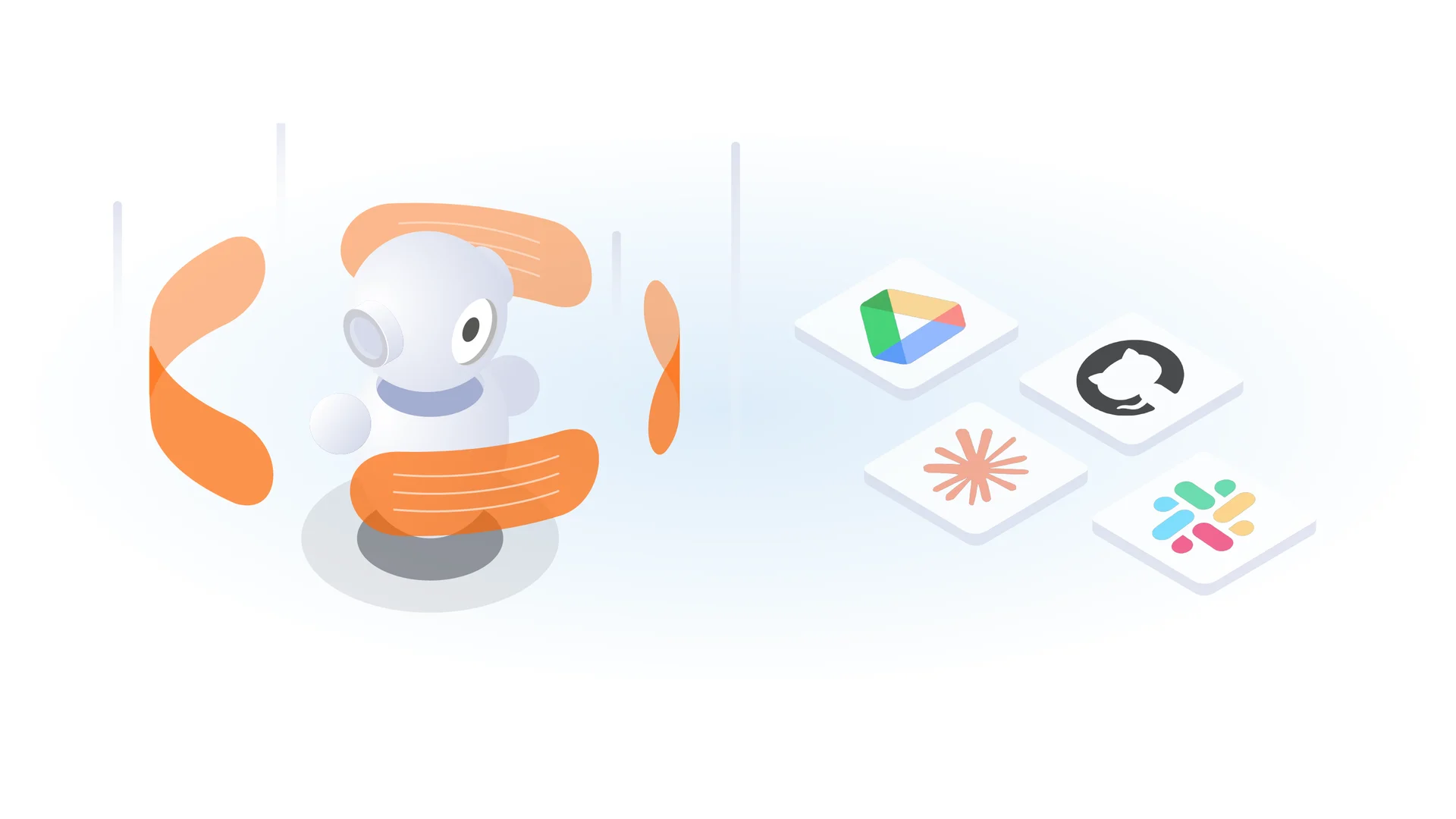
| Seahorse Cloud | GitHub: list, view, and compare pull requests; comment on, create, and merge pull requests (Seahorse GitHub template). Atlassian: retrieve, create, and edit Jira issues; transition issues; add comments or worklogs; and look up Jira account IDs (Seahorse Atlassian template). PostgreSQL: list tables and inspect schemas, or execute queries; the template describes query execution as SELECT-focused and recommends database-level write restrictions (Seahorse PostgreSQL template). Slack: read recent channel messages and send a channel or direct message (Seahorse Slack template). | The manual names four Quick Setup MCP templates—GitHub, Atlassian, PostgreSQL, and Slack—and says they can be used after entering tokens or credentials (Seahorse Cloud templates). |
| Microsoft Copilot Studio | Connectors include Microsoft services such as Office 365, SharePoint, and Dynamics 365, and non-Microsoft services including Google services and Salesforce. Connector tools represent specific actions or operations; makers can select a service to view the tools available for its connector (Microsoft Copilot Studio connector guidance). | Standard connectors, such as SharePoint, are included with all Copilot Studio plans; premium connectors are available in select plans (Microsoft Copilot Studio connector guidance). |
Microsoft describes connectors as connections to Microsoft services such as Office 365, SharePoint, and Dynamics 365, as well as non-Microsoft services including Google services and Salesforce. It says connector tools represent specific actions or operations, and directs makers to select or search for a service to see the tools available for its connector (Microsoft Copilot Studio connector guidance). The same guidance says standard connectors, such as SharePoint, are included with all Copilot Studio plans, while premium connectors are available in select plans.
The routes differ in what they establish. Workato, Zapier, and Salesforce document named actions for business apps; Zapier also distinguishes finding data from changing it. Seahorse’s manual names tool actions for its four Quick Setup MCP templates. Microsoft documents connector availability and plan distinctions, and provides a way to inspect the tools available for a selected service.
Check the action, access, and setup—not just the app name
An app appearing in a catalogue does not establish that it supports your workflow. Start with the operation the agent must perform for each system—such as searching or reading records, creating an item, updating a field, or sending a message—and match it to a documented tool. Microsoft says connector tools represent specific actions or operations and directs makers to select a service to see its available tools (Microsoft Copilot Studio connector guidance). Workato’s connector documentation identifies available triggers and actions (Workato connectors).
Deployment configuration can affect sign-in. Microsoft says single sign-on (SSO) is not supported for connectors when an agent uses custom Active Directory authentication and is deployed to Microsoft Teams; users must authenticate to each connector manually in that configuration. Separately, Copilot Studio supports SSO for agents published to Teams 1:1 chats, but not yet for group chats or channel messages (Microsoft Copilot Studio connector guidance, Microsoft Teams SSO configuration).
Permissions and plan conditions can change the practical choice. Workato says its pre-built connectors provide required-permission information alongside setup guidance and available triggers and actions (Workato connectors). Salesforce says standard actions are included by default, while some actions built for specific clouds or products require an additional license or permission (Salesforce standard actions). Microsoft distinguishes standard connectors, such as SharePoint, included with all Copilot Studio plans from premium connectors available in select plans (Microsoft Copilot Studio connector guidance). Zapier’s “Find data” and “Take action” categories make the difference between searching and changing data explicit (Zapier Agents actions).
Test the intended workflow with the account and operation you plan to use. A catalogue entry or app count does not, by itself, demonstrate that a particular action works with your configuration.
Where Seahorse Cloud fits in the integration comparison
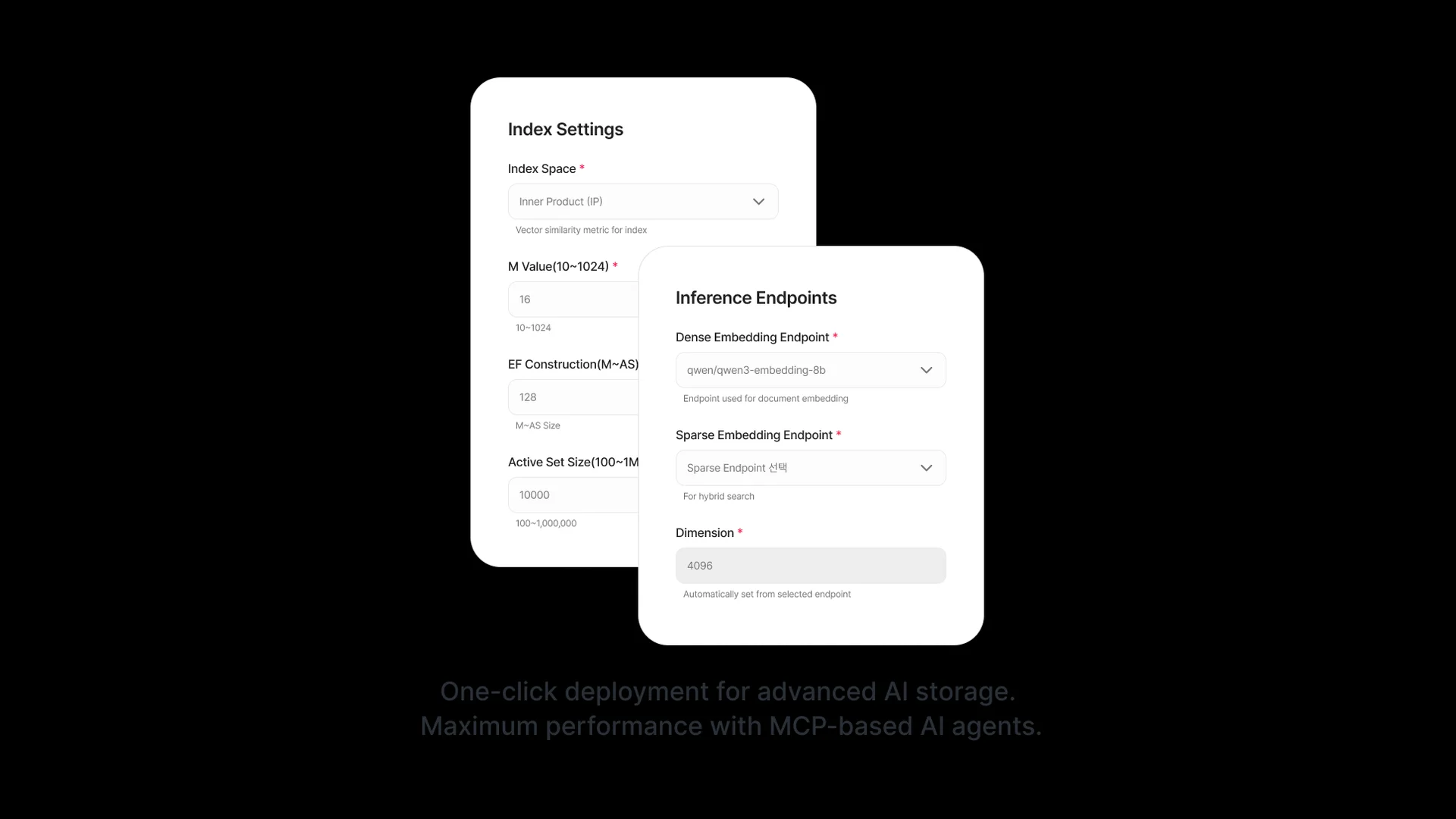
Seahorse Cloud’s manual documents four Quick Setup MCP server templates: GitHub, Atlassian, PostgreSQL, and Slack. The templates include pull-request operations for GitHub, Jira issue operations for Atlassian, schema inspection and query execution for PostgreSQL, and channel reading and message sending for Slack (Seahorse Cloud templates, GitHub template, Atlassian template, PostgreSQL template, Slack template). The manual says these Quick Setup templates are provided in a form that can be used after entering tokens or credentials.
For PostgreSQL, the template describes query execution as SELECT-focused and recommends blocking writes at the database level. It specifically advises against connecting an operational database with a write-permission account and recommends granting SELECT only, with INSERT, UPDATE, DELETE, DROP, and TRUNCATE blocked at the database level (Seahorse PostgreSQL template). That is a relevant setup condition when an agent’s database access must be limited to reading.
For an MCP server not covered by the four templates, Seahorse’s manual describes registering the server directly. It says Seahorse does not guarantee operation or compatibility for other MCP servers registered through the custom route (Seahorse custom MCP registration). This custom route is distinct from selecting a named Quick Setup template.
Seahorse’s broader product scope also helps put these templates in context. Seahorse Cloud separates AgentOps—creating, deploying, managing, and monitoring AI agents—from RAGOps, which covers RAG pipeline composition, operation, and monitoring; MCP supports data and tool integration for those workflows (Seahorse Cloud product overview). Seahorse’s managed agents operate on its vector database and RAG, with MCP-standard tool calls, an inference endpoint API, and usage tracking (Seahorse Cloud). The Quick Setup templates are therefore a documented tool-integration route within a broader RAG and agent-operations platform.
Choosing among the documented routes
Use the documented action examples to narrow the route, then account for the implementation conditions described above. Workato documents posting to Slack and adding a Google Sheets row; Zapier documents sending a Gmail message; Salesforce documents Slack search, messaging, and Canvas actions. Seahorse’s templates document GitHub pull-request operations, Jira issue operations, PostgreSQL schema inspection and query execution, and Slack channel reading and message sending.
For Copilot Studio, the documentation establishes the connector model, service selection for viewing available tools, and the standard-versus-premium distinction. Check the required action and applicable plan before treating a connector as a match. For a Seahorse service outside the four templates, direct MCP registration is documented, but Seahorse does not guarantee operation or compatibility for other MCP servers registered through the custom route. Zapier’s documentation also notes the move from Agents to AI by Zapier, which is relevant when choosing a route for a new implementation (Zapier Agents actions).
FAQ
Does MCP support mean an app has a prebuilt connector? No. MCP is a route for connecting tools; support for the protocol alone does not establish that a particular service has a named template. Seahorse’s manual names four Quick Setup templates and separately describes registering MCP servers not covered by them. Seahorse does not guarantee operation or compatibility for other MCP servers registered through the custom route (Seahorse Cloud templates, custom MCP registration).
Can a connector cover every operation in an app? Do not assume so. Check the available operations for the specific connector or tool. Microsoft says connector tools represent specific actions or operations and directs makers to select a service to see the available tools; Workato documents available triggers and actions for its pre-built connectors (Microsoft Copilot Studio connector guidance, Workato connectors).
What do Zapier’s “Find data” and “Take action” categories distinguish? “Find data” limits the action list to operations that search for data, while “Take action” limits it to operations that can change data. That distinction can help identify whether the documented action matches a read/search step or a change to app data (Zapier Agents actions).
지금 체험
See how these criteria hold up on the real thing.